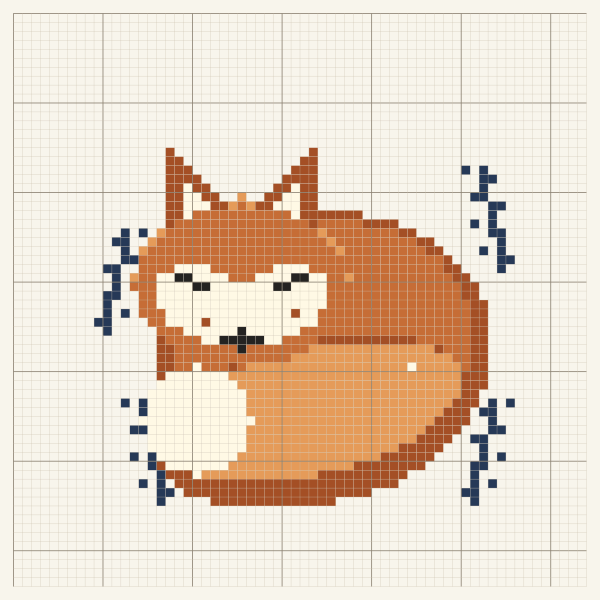
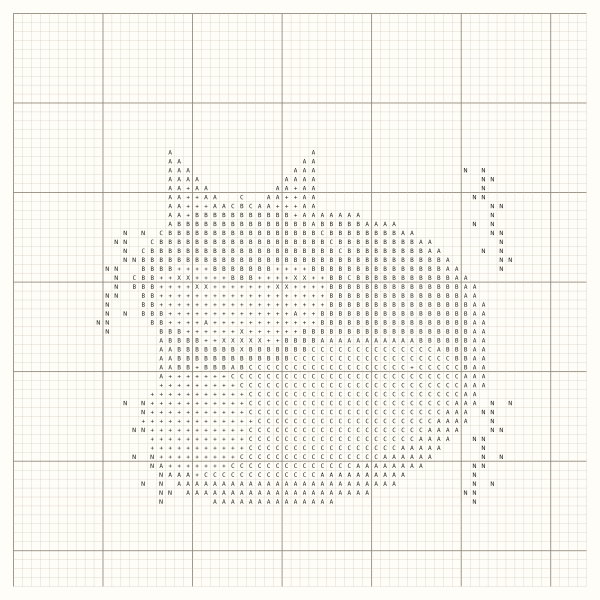
Woodland Fox
From a drawn chart to a print proof
Open a drawn chart, review the isolated stitches around the fox, then switch to black-and-white symbols and check the floss key.
64 × 64 stitches · 6 colours
View the print proof Stitch Pattern Design
Turn artwork into a chart you can stitch. Edit individual squares, check the floss key and print your pattern.
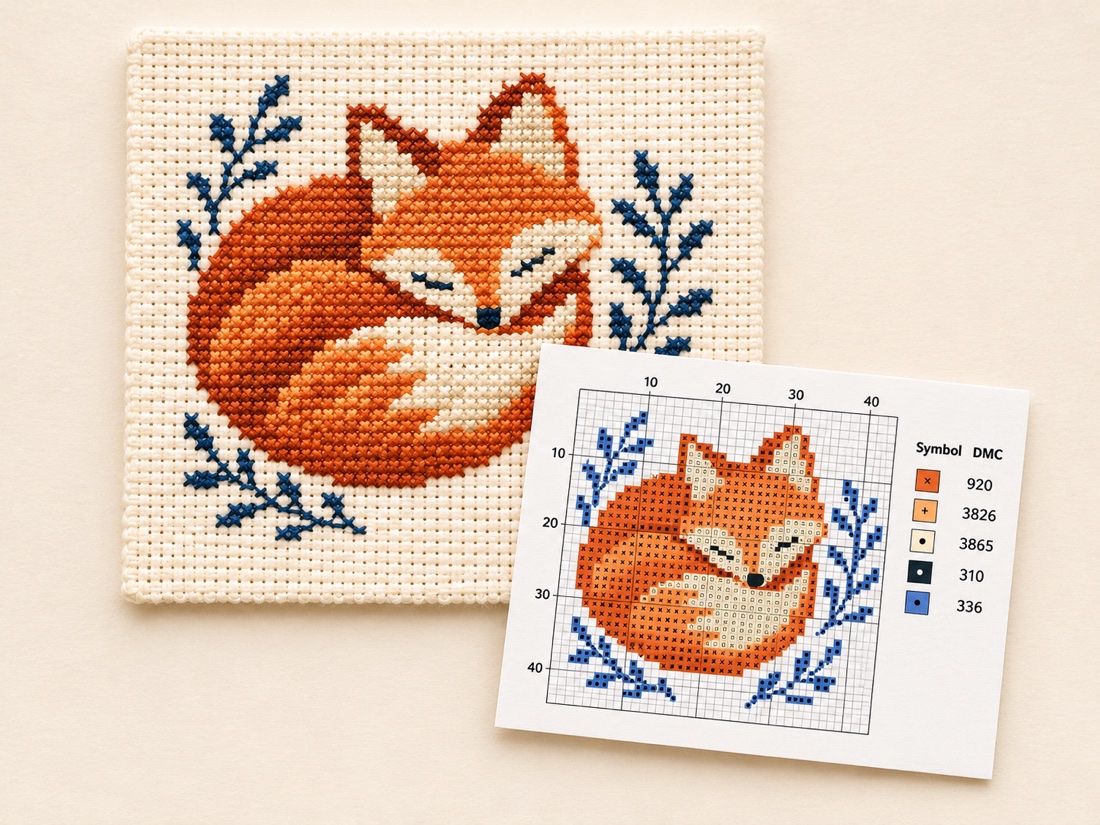
See how a drawn motif and a reference image become counted charts. Open either sample in the editor or download its actual symbol PDF.
From a drawn chart to a print proof
Open a drawn chart, review the isolated stitches around the fox, then switch to black-and-white symbols and check the floss key.
64 × 64 stitches · 6 colours
View the print proof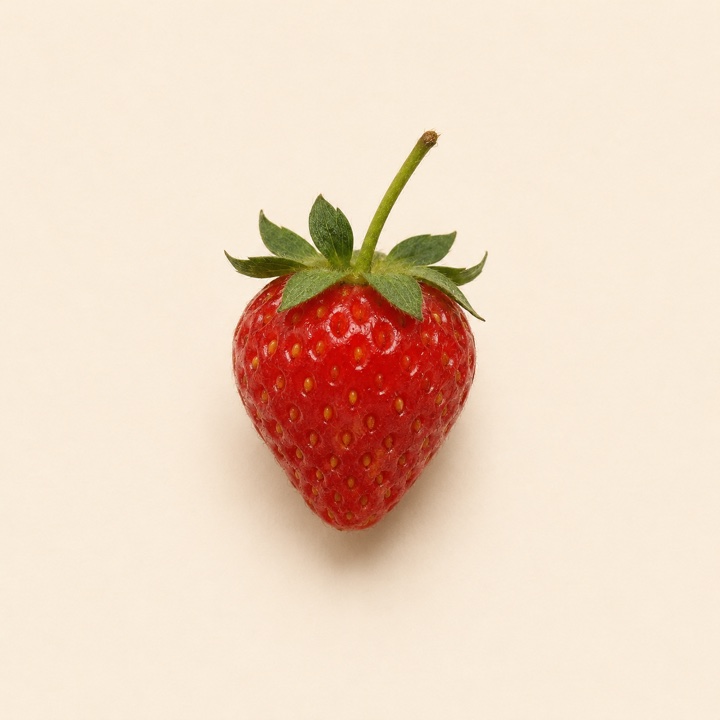
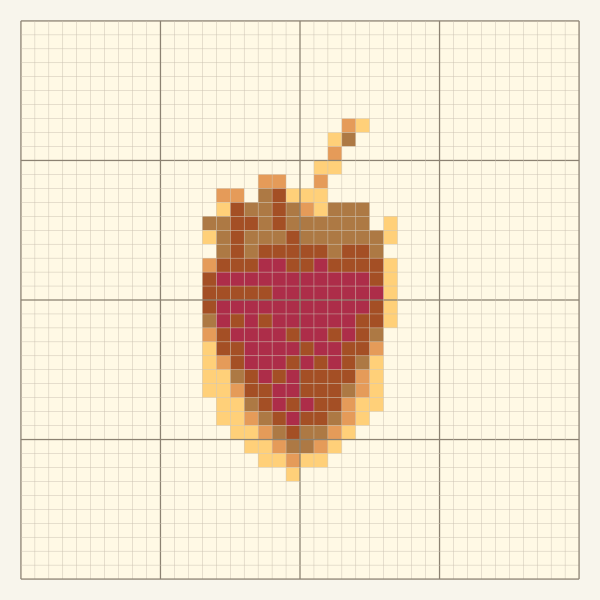
From a reference image to a counted chart
A clear silhouette and simple background work well at small sizes. This example uses a 40-stitch width and a six-colour limit, with each stitch still editable.
40 × 40 stitches · 6 colours
Use a PNG, JPEG or WebP you have permission to use. Pick a stitch width and a colour limit, or draw directly on a blank grid.
Edit colours with the pencil and eraser. When the editor flags an isolated stitch, compare the suggestion before applying it or keeping the original.
Choose A4 or US Letter. Check the numbered chart pages and floss key, then download the PDF in colour or black and white.
No. You can import a photo, edit a sample or start a blank chart without signing in. Standard PDF downloads are currently free.
Start with a clear subject and a simple background. The converter accepts PNG, JPEG and WebP up to 20 MB. Charts can be up to 200 × 200 stitches. Use a smaller width if a tall image exceeds that limit.
Image conversion runs in your browser. The editor stores the current chart on this device. Download a project file to keep an editable backup or move the chart to another browser.
The current palette has 12 reference shades labelled with DMC codes. Screen colours are approximate, so compare them with real floss before buying or stitching.
An isolated stitch is a single stitch whose colour does not touch another stitch of the same colour. The editor flags some of these stitches and suggests nearby colours. You can keep intentional details or undo a change.
The PDF includes a cover, numbered chart pages and a floss key with symbols, thread codes and stitch counts. Choose A4 or US Letter and print a test page before stitching.
Enter the chart’s stitch width and height, your fabric count and the margin you need on each side. The fabric calculator shows the stitched area and the full size to cut separately.
Start with a photo or sketch and get a chart you can edit and print.